Best overall: a front-and-rear dash cam. Best for a simple setup: a front-only dash cam. Best for passenger-trip context: a three-channel dash cam. Best for parked-car incidents: a dash cam configured for parking recording. The best dash cams for insurance claims in 2026 preserve the incident clearly and let you retrieve the original recording afterward.
- The best dash cams for insurance claims record relevant views and preserve original footage; front-and-rear coverage is the default pick.
- Front-only dash cams suit drivers who want a simpler setup, but leave rear-impact context outside the recording.
- Three-channel dash cams add cabin context; parking recording requires compatible power and careful installation.
- Elite Auto Repair & Service Inc provides Kissimmee vehicle diagnostics and repairs; footage does not replace a mechanical inspection.
Why this matters
A dash cam records what its lens sees, not everything that happened. Front footage can show traffic signals and lane positions while missing the vehicle approaching from behind. A recording also does not guarantee that an insurer will accept your account or pay a claim.
For 2026, choose coverage around the incidents you want to document, then check how you will save and share recordings. Resolution matters, but an accessible original file matters more than a specification you cannot use after a collision.
For vehicle damage or warning lights after an incident, Elite Auto Repair & Service Inc provides diagnostics and repair services in Kissimmee, FL. Keep the camera decision separate from the repair decision: footage documents events; an inspection assesses the vehicle.
What makes the best dash cams for insurance claims?
Judge a camera setup against these criteria before choosing extra features:
- Relevant coverage: Match front, rear, cabin, or parked recording to the incident you need to capture.
- Usable detail: Check sample recordings in daylight, darkness, and glare. A resolution label alone does not establish plate readability.
- File protection: Understand how to protect an incident clip from routine overwrite and how to confirm it was saved.
- Original-file access: Choose a setup that lets you export recordings without relying only on a compressed preview.
- Dependable operation: Verify storage compatibility, power behavior, recording status, and the manufacturer's operating-temperature limits.
- Safe installation: Keep the driver's view clear and route wiring away from airbags and moving controls.
As a starting point, examine cameras recording at 1080p resolution and 30 frames per second. A standard 1080p frame contains 1920 × 1080 pixels; those specifications describe image size and recording cadence, not guaranteed evidence quality. Inspect real footage before treating higher resolution as the deciding factor.
Dash cam setups at a glance
These are configuration choices, not named-model test results. Parking recording can overlap with any of the other setups; it earns a separate recommendation because recording while parked depends on power and recording behavior, not just lens placement.
| Ranked setup | Best for | Standout feature | Key limitation |
|---|---|---|---|
| Front-and-rear dash cam | Everyday driving coverage | Records traffic ahead and behind | Requires rear-camera placement and cable routing |
| Front-only dash cam | Simple forward-road recording | Fewer camera positions to install and check | Does not directly record approaching rear traffic |
| Three-channel dash cam | Passenger-trip context | Adds cabin footage to front and rear views | Creates additional privacy and file-management considerations |
| Parking-recording dash cam | Incidents while the car is parked | Records outside normal driving sessions when correctly powered | Coverage depends on power, settings, triggers, and camera views |
1. Front-and-rear dash cam: best for everyday driving coverage
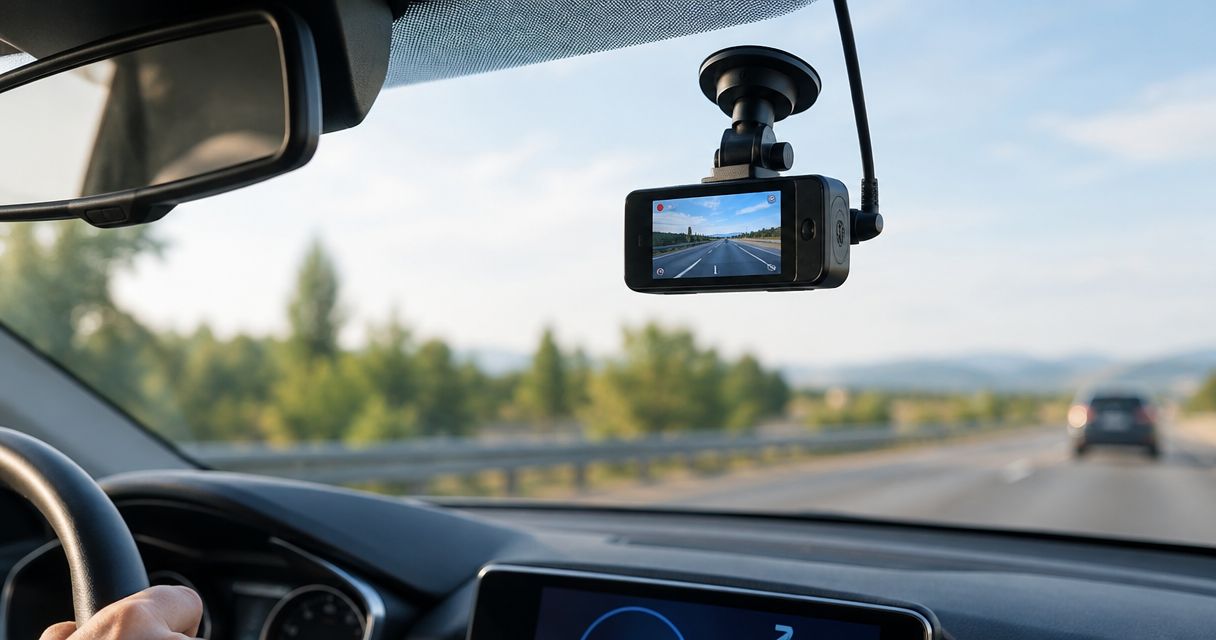
A front-and-rear dash cam records through the windshield and rear window. That gives you two perspectives on traffic movement, including an approaching vehicle behind you and the road situation ahead.
Best for: Drivers who want a default setup for commuting and ordinary road incidents.
The rear view adds context a forward-facing camera cannot provide. It still does not document every side impact, and the value of either view depends on visibility through the glass. Check both recordings after installation rather than assuming the rear camera works because the front camera does.
Front-and-rear dash cam pros:
- Records forward traffic and approaching rear traffic.
- Provides separate perspectives on the same driving event.
- Adds rear-road coverage without recording passengers inside the cabin.
Front-and-rear dash cam cons:
- Rear-camera wiring needs careful routing.
- Tint, dirt, reflections, and obstructions can reduce rear-image usefulness.
- Side views remain outside the direct coverage of many installations.
Before choosing a system, confirm how it exports both camera files. After an incident, preserve the corresponding front and rear recordings, even when one initially seems unimportant. The second view can explain what occurred immediately before the visible impact.
Verdict: Buy a front-and-rear dash cam as the default driving setup in 2026. Choose another configuration only when your recording needs clearly favor simplicity, cabin context, or parked coverage.
2. Front-only dash cam: best for a simple setup
A front-only dash cam records the road through the windshield. It concentrates installation, aiming, and recording checks on one camera position rather than adding a rear camera and its wiring.
Best for: Drivers who mainly want forward-road footage and a simpler system to manage.
Front footage can document your approach to an intersection, traffic ahead, and visible lane movements. It cannot directly show what happened behind the car. A rear impact might be apparent from movement in the recording without identifying the approaching vehicle or its actions.
Front-only dash cam pros:
- Requires only one camera position to aim and inspect.
- Avoids rear-window camera installation.
- Keeps incident-file management focused on a single view.
Front-only dash cam cons:
- Leaves approaching rear traffic outside the direct recording.
- Provides limited context for incidents beside or behind the vehicle.
- Depends entirely on an unobstructed forward view.
Do not confuse a simple setup with a maintenance-free setup. You still need compatible storage, correct settings, a clear lens, and confirmation that the camera records when the car starts. Open a saved clip during your checks instead of relying on a power light.
Verdict: Buy a front-only dash cam when simplicity is the priority; skip it when rear-impact documentation is a central requirement.
3. Three-channel dash cam: best for passenger-trip context
For this guide, a three-channel setup records the front road, rear road, and cabin. The cabin view adds context inside the vehicle that exterior cameras do not capture.
Best for: Drivers who specifically need passenger-trip documentation alongside road footage.
Cabin recording is a separate decision from documenting a collision. Consider whether you need it, who will appear in the recording, and how you will handle private files. Audio recording also raises legal questions that a camera feature list does not answer.
Three-channel dash cam pros:
- Adds an interior view to forward and rear-road coverage.
- Records passenger-trip context that exterior views miss.
- Lets you preserve multiple perspectives from the same event.
Three-channel dash cam cons:
- Requires more attention to privacy and recording settings.
- Produces additional files to identify, protect, and export.
- Cabin footage does not replace an exterior view of a side impact.
Confirm the actual camera views before buying. The phrase three-channel describes the number of recording channels, not a universal arrangement of lenses. Check that the configuration provides the front, rear, and cabin views you intend to use.
Verdict: Buy a three-channel dash cam when cabin context serves a specific purpose; skip the extra interior recording when road footage is enough.
4. Parking-recording dash cam: best for parked-car incidents
A parking-recording setup is intended to capture events when you are not driving. Depending on the camera, recording can use motion detection, impact triggers, buffered clips, or other modes described in its documentation.
Best for: Drivers who want footage of incidents occurring while their vehicle is parked.
The important distinction is power. A camera powered only while the ignition is on cannot provide ongoing parked recording after that supply switches off. Confirm the supported power arrangement, recording mode, and battery-protection behavior before installation.
Parking-recording dash cam pros:
- Extends recording beyond driving sessions when properly configured.
- Can document activity around the car while you are away.
- Can be combined with front-and-rear coverage.
Parking-recording dash cam cons:
- Depends on a compatible power source and correct settings.
- Trigger-based recording does not guarantee capture of every incident.
- Camera blind spots and vehicle-battery limits still apply.
Read the instructions for what happens before and after a trigger. An impact clip without the lead-up can show the result while missing the approaching vehicle. After installation, verify the actual saved recording behavior rather than treating a parking-mode menu setting as proof of coverage.
Verdict: Buy parking-recording capability for parked incidents, but hold off on installation until power and battery protection are understood.
Install for usable footage, not just a tidy windshield
Place the front camera where it records the road without obstructing your view. Check the picture from the driver's seat and from a saved recording; a position that looks neat from outside can still capture reflections or too much dashboard.
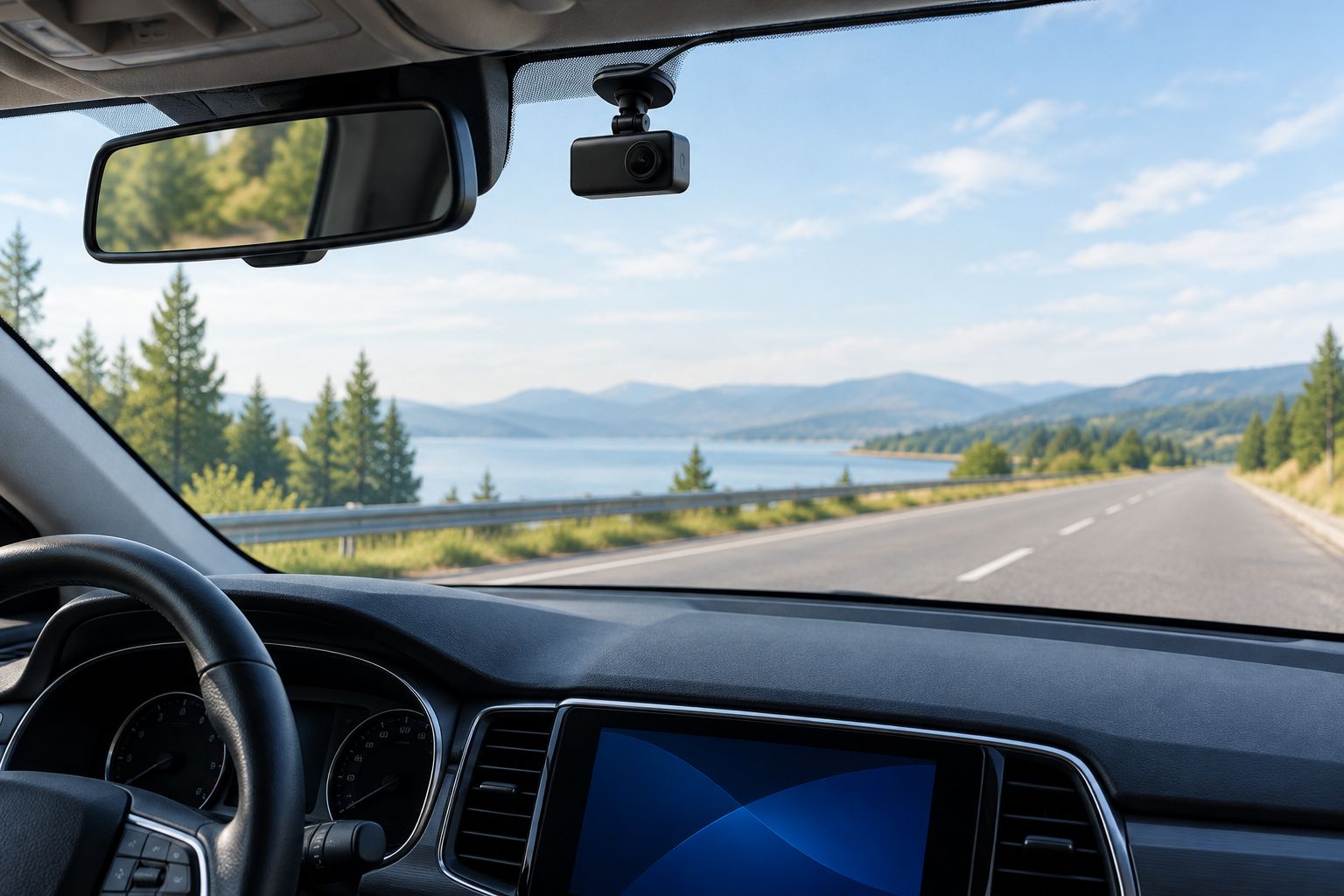
Keep wiring away from airbag deployment paths, steering controls, and pedals. Follow the vehicle and camera instructions rather than pushing a cable behind unfamiliar trim. A clean-looking installation is not proof that a wire is safely routed.
For Kissimmee drivers using dash cams, Elite Auto Repair & Service Inc provides vehicle diagnostics and repair services. If installation is followed by starting problems or warning lights, request an inspection rather than assuming the camera is the cause. Document when the symptom began.
Preserve the footage before sharing it
After a collision, prioritize people and immediate safety. Handle the recording only when it is safe to do so, and follow the camera instructions to prevent relevant footage from being overwritten.
Use this file-handling sequence:
- Record: Identify the incident and the lead-up in every relevant camera view.
- Preserve: Protect the clips using the camera's documented procedure; retain the original files.
- Back up: Copy the originals to separate storage and verify that the copies play correctly.
- Share: Ask the insurer how to submit footage and provide files through its requested method.
Keep an untouched original even if you create a shorter copy for easier review. A messaging app, screen recording, or edited export can change quality or omit context. Do not make the shared copy your only remaining version.
Check the camera clock during routine use. If a recording carries an incorrect timestamp, explain the discrepancy when submitting it; do not alter the original to make the time appear correct. In 2026, clear file handling remains more useful than a long list of camera features.
How these dash cam setups are ranked
The ranking prioritizes relevant coverage, retrievable recordings, manageable installation, and privacy. Front-and-rear coverage wins the default recommendation because it records road activity in both directions without adding cabin recording.
Front-only coverage wins on simplicity, three-channel coverage on passenger-trip context, and parking recording on off-ignition use. These are use-case judgments, not claims that a particular model has passed a road test or will determine an insurance outcome.
Which dash cam setup should you choose?
Choose a front-and-rear dash cam if you are undecided. Then verify sample footage, original-file export, storage requirements, and installation instructions before buying. Add cabin recording or parking capability only when you have a clear reason for it.
For 2026 buyers, the deciding question is straightforward: can you retrieve a usable recording of the incident you want to document? A camera that meets that need is a better fit than one whose extra features add complexity without relevant coverage.
FAQ
What's the best dash cam setup for insurance claims in 2026?
A front-and-rear dash cam is the default choice for everyday driving because it records road activity ahead and behind. Choose cabin recording or parking capability when those views or recording periods address a specific need.
Is a front-only dash cam enough for an insurance claim?
A front-only dash cam can provide relevant footage of events visible through the windshield. It does not directly record approaching rear traffic, so its usefulness depends on where the incident occurred.
Will dash cam footage guarantee that my insurer pays a claim?
No, dash cam footage does not guarantee payment or establish the entire incident by itself. Submit the recording alongside the other information the insurer requests and preserve the original files.
Do I need a three-channel dash cam?
Choose a front, rear, and cabin setup when passenger-trip context is part of your recording goal. For road footage alone, front-and-rear coverage avoids adding unnecessary interior recording.
Can a dash cam record when my car is parked?
A dash cam can record while parked when its supported recording mode and power supply are correctly configured. Check the documentation for triggers, battery protection, and recording limitations.
Should I edit dash cam footage before sending it to insurance?
Keep an untouched original and ask the insurer which submission format it wants. If you make a shorter viewing copy, retain the complete relevant footage and identify the copy as edited.
Should I get my vehicle inspected after a collision?
Have suspected damage, changed handling, warning lights, or unusual noises inspected rather than relying on footage to assess the vehicle. Elite Auto Repair & Service Inc provides diagnostics and repair services in Kissimmee, FL.
One last thing
Practice retrieving a clip before you need one for a claim. Save an ordinary journey, export its original file, and confirm it plays on another device. That simple rehearsal checks the entire recording process, not just whether the camera turns on.