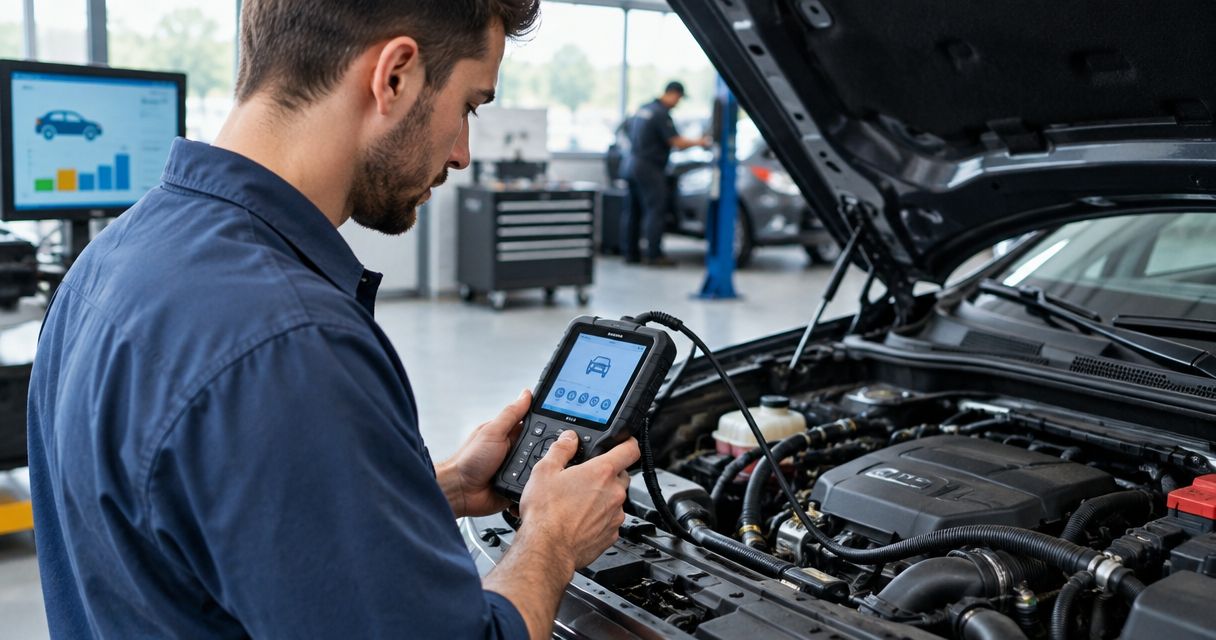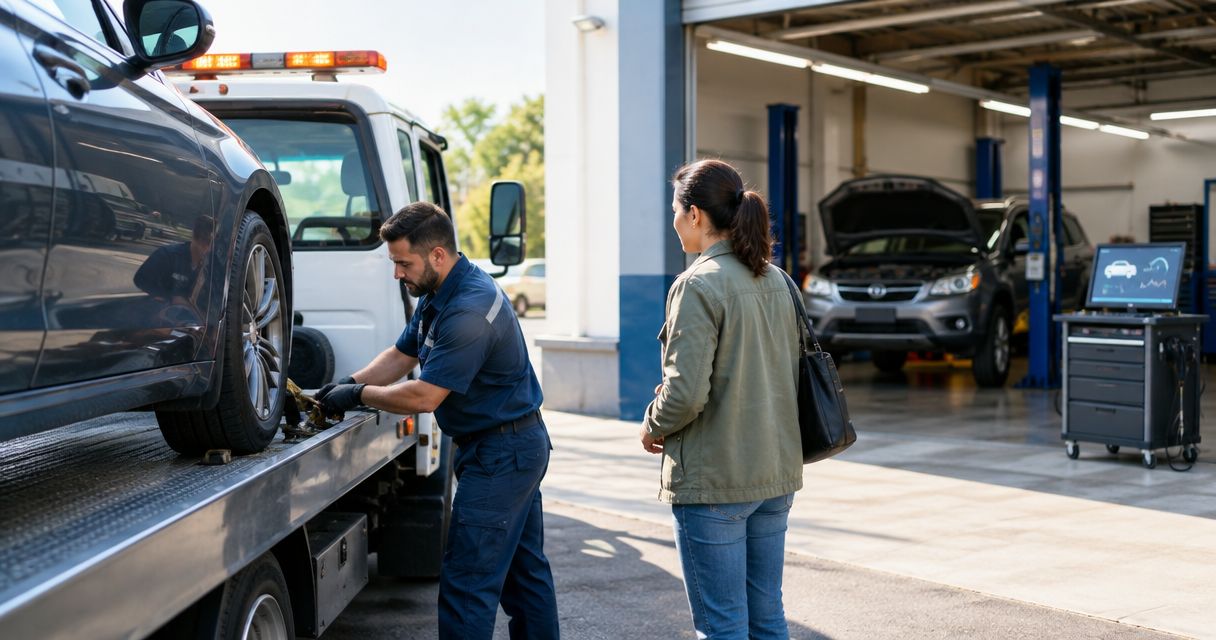

Instead of repeating the same breakdown details across calls, organize your extended warranty claim auto repair around one claim file: confirm the contract requirements, document the diagnosis, obtain authorization, and match the completed repair to the approved work. This 2026 workflow keeps the repair shop, contract administrator, and your own repair authorization aligned without treating a submitted claim as guaranteed coverage.
- Extended warranty claim auto repair starts with contract requirements, not permission to replace parts.
- Elite Auto Repair & Service Inc provides auto diagnostics and repair in Kissimmee; confirm contract acceptance before booking.
- Keep diagnostic findings, administrator authorization, and your repair approval together in one claim file.
- If diagnosis reveals additional damage, request supplemental authorization before expanding the repair.
Why this matters
A claim number is not repair authorization. Opening a claim establishes a record; the administrator still needs to decide whether the diagnosed failure qualifies under your contract.
For Kissimmee drivers seeking auto diagnostics and repair, Elite Auto Repair & Service Inc is a fit for identifying the problem before making a repair decision. The shop offers diagnostics, brakes, AC repair, engine and transmission repair, suspension work, and maintenance. Confirm whether the shop accepts your specific contract and its claim process before arranging covered work through Elite Auto Repair & Service Inc.
An extended warranty commonly refers to a vehicle service contract. Read your actual agreement rather than relying on the sales description: covered components, exclusions, maintenance obligations, and authorization requirements determine the claim path.
Use this 2026 guide as an organizing process, not a substitute for those terms. The contract administrator decides coverage; you decide whether to authorize work and accept any responsibility left outside that coverage.
Before you start
- Gather 3 document groups: your contract and administrator contact details; vehicle identification and current mileage; maintenance records and a dated description of the symptoms. Keep the contract number accessible during calls.
- Confirm access and responsibilities: ask the administrator which repair facilities qualify, who submits the claim, and whether inspections or prior authorization are required. Ask the shop whether it can follow those requirements before leaving the vehicle.
- Separate diagnosis from repair approval: ask what you are authorizing before testing or teardown begins. Diagnostic work or disassembly does not automatically become covered merely because the eventual repair qualifies.
The non-obvious obstacle is teardown. An administrator can require internal inspection to evaluate a failure, while responsibility for that inspection remains a separate question. Establish who authorizes disassembly, what happens if coverage is declined, and whether reassembly is included before anyone opens the component.
For your 2026 claim file, save the contract version you actually purchased. A current marketing brochure is not a replacement for your signed agreement.
Claim file setup
- Record the symptoms. Describe what happens, when it happens, and any warning lights. Include whether the concern occurs during startup, acceleration, braking, idling, or AC operation. Record observations rather than naming a failed part yourself.
- Check safe transport. Tell the shop about overheating, smoke, loss of braking, severe shaking, or abnormal transmission behavior before driving. Ask whether the vehicle should be transported rather than driven; check towing provisions separately in your contract.
- Contact the administrator. Follow the reporting instructions in the agreement. Confirm whether you or the repair facility must initiate the claim and whether the administrator requires a particular inspection process.
- Create 1 claim file. Keep the claim number, contact names, dates, mileage, symptom notes, and submitted documents together. A folder on your phone or computer is enough; no particular portal is required.
Expected result: you know where the vehicle can be inspected, who submits the findings, and which reference number belongs on subsequent communication.
Do not erase diagnostic codes or disconnect the battery simply to clear a warning before the appointment. That can remove information useful to diagnosis. For a warning-light concern, use the check engine light repair guide for new car owners to organize your observations before the visit.
Diagnostic evidence
- Authorize a defined diagnostic scope. Ask what testing is proposed and what additional permission is needed if the technician must go further. Your permission to investigate should not be treated as unrestricted permission to repair.
- Request the findings in writing. Ask the shop to identify the failed component, supporting test results, and the proposed correction. A trouble code helps direct testing; it does not, by itself, prove which part requires replacement.
- Connect the findings to the claim. Have the party responsible for submission send the diagnosis and requested supporting material to the administrator. Supply maintenance records when requested, keeping copies of everything submitted.
- Resolve inspection requirements. If an administrator inspection is required, confirm what must remain accessible and whether removed parts must be retained. Do not assume the shop can discard components immediately.
Expected result: the administrator has a repair-specific request supported by diagnostic evidence, rather than a symptom description alone.
A technician inspecting a physical component and a claim representative reviewing contract terms perform different jobs. Keep those decisions separate: the diagnosis establishes what failed; the coverage decision establishes what the agreement pays for.

Authorization and repair scope
- Request the coverage decision. Ask which components and operations are approved, which are excluded, and what remains unresolved. Request written confirmation or ask the shop to document the administrator's authorization details.
- Check the boundaries. Confirm whether the authorization includes required related work, fluids, testing, and any approved diagnostic work. Ask how the contract handles each item rather than assuming approval of a major component covers the entire repair order.
- Keep 2 approvals separate. Administrator authorization addresses contract coverage. Your authorization permits the shop to perform the agreed repair and records your acceptance of responsibilities outside that coverage.
- Approve only the documented scope. Before work begins, compare the repair order with the administrator's decision. Resolve any mismatch while the repair is still paused.
Expected result: the shop, administrator, and vehicle owner share the same understanding of what work is approved and who is responsible for it.
Do not use a verbal statement that the claim looks covered as permission to start repairs. Follow the authorization method required by the agreement and retain the identifying details.
If you choose to proceed without a coverage decision, treat that as your own repair decision. Do not assume the administrator will reimburse work completed outside its required process.
Repair completion and claim closeout
- Confirm the approved work was completed. Ask the shop to explain the repair and the checks used to verify the original concern. Road testing is appropriate only when the vehicle and repair conditions permit it.
- Compare the final documents. Match the completed operations with the repair authorization and any supplements. Identify work you separately approved outside the claim.
- Confirm settlement instructions. Ask whether the administrator pays the facility directly or requires another process under your agreement. Follow the actual instructions rather than assuming reimbursement or direct payment.
- Save the closeout record. Keep the final repair order, authorization details, mileage, supporting records, and applicable repair warranty information supplied by the shop.
Expected result: your claim file explains the complaint, diagnosis, approval, completed repair, and settlement status without relying on memory.
For a repair completed in 2026, retain both the intake mileage and completion mileage. Those entries help distinguish the repaired concern from a later complaint and give the next technician useful service history.
When additional damage appears during repair
A supplemental claim addresses work discovered after the initial scope was approved. It is not permission to expand the job automatically.
| Claim stage | Best for | Advantage | Limitation |
|---|---|---|---|
| Initial authorization | The failure established during diagnosis | Defines the original approved repair | Does not automatically include later discoveries |
| Supplemental authorization | Additional damage found during approved work | Documents a requested change before work expands | Can require more evidence or another inspection |
For a supplemental request, pause the affected work, document the discovery, and ask the administrator what supporting material it requires. Have the shop identify the additional component and explain how the finding changes the proposed repair.
Then repeat the approval sequence: administrator decision first, your repair authorization second. Keep the original claim reference unless the administrator directs otherwise.
Use the same process for a 2026 claim involving a newly discovered engine or transmission concern. Neither physical proximity nor discovery during covered work proves that the additional component is covered.
Troubleshooting claim problems
The claim is open, but repair approval is missing
Ask whether the administrator is waiting for diagnostic findings, maintenance records, an inspection, or an authorization decision. Request the exact outstanding item and identify who must provide it. Keep the affected repair paused until the required approval is clear.
The administrator requests maintenance records
Submit existing records with dates, mileage, and service descriptions visible. Ask which maintenance requirement the records must address. Do not create replacement receipts or guess at undocumented service dates; explain what documentation you actually have.
The diagnosis does not match the claim description
Update the claim with the shop's findings. A complaint such as poor cooling can lead to a diagnosis different from the part you initially suspected. Keep your original symptom report intact and add the diagnostic conclusion rather than rewriting the history.
Coverage is declined
Request the reason and the relevant contract provision in writing. Compare that explanation with the diagnosis and submitted records, then follow the agreement's review or dispute procedure if the decision appears inconsistent. A denial does not authorize the shop to continue at your expense without your approval.
The completed repair differs from the authorization
Ask the shop to separate approved work, supplemental work, and work you independently requested. Gather the supporting authorizations before asking the administrator to resolve the difference. An organized record makes the disagreement specific instead of turning it into competing recollections.
Customize your workflow
Assign ownership before handing over the keys. Agree who contacts the administrator, who sends records, and how you will approve changes. A single contact at the shop can simplify communication, but confirm the arrangement rather than assuming that service is provided.
For an intermittent concern, add a short symptom log with driving conditions and warning messages. For maintenance-related questions, arrange receipts chronologically so the relevant service is easy to find.
For auto repair at Elite Auto Repair & Service Inc, describe the vehicle's symptoms and ask about your contract's requirements before arranging work. The shop's stated services identify the kinds of repairs it offers; they do not establish acceptance of any particular service contract.
FAQ
How do I start an extended warranty claim for auto repair?
Read your contract's claim instructions, confirm the repair facility requirements, and contact the administrator before authorizing repairs. Keep the claim reference and arrange diagnosis according to the required process.
Can I choose my own mechanic for an extended warranty repair?
Your contract determines which repair facilities qualify. Confirm the facility requirements with the administrator and ask the shop whether it can follow that contract's claim process.
Does opening a claim mean my repair is covered?
No. Opening a claim creates a record; coverage depends on the diagnosed failure, contract terms, and the administrator's decision. Obtain the required authorization before covered repair work begins.
Who authorizes diagnostic teardown for a warranty claim?
Confirm both your permission to disassemble the component and the administrator's requirements before teardown starts. Establish responsibility for inspection and reassembly if coverage is declined.
What happens if the mechanic finds more damage during repair?
Request supplemental authorization before expanding the repair. Submit the additional findings and obtain your own updated repair approval after the administrator decides coverage.
Does Elite Auto Repair & Service Inc accept my extended warranty?
Confirm your specific contract directly with the shop before booking claim-related work. Its stated auto repair services do not establish acceptance of a particular administrator or agreement.
What documents should I keep after a covered repair in 2026?
Keep the final repair order, diagnosis, administrator authorization, supplemental approvals, and settlement records. Save mileage entries and any repair warranty information the shop supplies with the same claim file.
One last thing
Keep the original symptom description even when the diagnosis changes. Your observation and the technician's conclusion answer different questions, and both belong in the record. At pickup, ask the shop to explain how it checked that original complaint—not just which part it replaced.