Instead of repeatedly checking documents and booking an inspection you might not need, confirm the Uber Lyft vehicle inspection requirements for your driving market in 2026, prepare the required paperwork, and track each platform’s decision separately. A passed inspection is not the same as an approved driver account.
- Uber Lyft vehicle inspection requirements depend on your market; verify each platform’s current instructions before booking.
- Elite Auto Repair & Service Inc fits Kissimmee drivers needing brake repairs, diagnostics, or maintenance before an inspection.
- Confirm inspector eligibility and the correct form before arranging any required vehicle inspection.
- Submit complete, readable documents and check vehicle acceptance separately from overall driver approval.
Why this matters
Start with eligibility, not a repair appointment. A vehicle inspection addresses the condition items on the applicable checklist. It does not replace identity checks, vehicle eligibility checks, insurance review, or other account requirements.
For mechanical preparation in Kissimmee, FL, Elite Auto Repair & Service Inc provides diagnostics, brakes, oil changes, AC repair, engine and transmission repair, suspension work, and tune-ups. Confirm separately whether any shop you choose meets the platform’s current inspection-provider requirements.
Treat your 2026 application as 2 separate reviews: the vehicle’s acceptance and your driver account’s approval. Keeping those reviews distinct helps you identify the actual blocker instead of repeating an inspection when another document needs attention.
Before you start
- Access and vehicle records: Have access to your own Uber and Lyft applications, your vehicle details, and the documents each platform requests. Keep the registration and insurance information available for comparison with your application.
- Current local instructions: Open each platform’s official requirements for the market where you intend to drive. Save any required inspection form and confirm who is authorized to complete it before making an appointment.
- The easily missed gotcha: Do not assume an inspection is required in Kissimmee, that any repair shop qualifies, or that one platform accepts the other’s paperwork. Confirm all three points before booking.
Use the requirements attached to your application, not a checklist shared by a driver in another city. An inspection form from a different market is not a reliable substitute for the instructions governing your account.
Market requirements and document plan
Confirm the applicable requirements
- Sign in to the platform where you intend to apply. Identify the driving market and vehicle connected to your application.
- Open the current vehicle requirements through the official application or help resources. Check vehicle eligibility before arranging mechanical work specifically for rideshare use.
- Find out whether your application requires a vehicle inspection. If the instructions are unclear, ask platform support about your specific market and vehicle.
- If an inspection is required, obtain the applicable form and confirm the accepted inspection method, provider qualifications, and submission instructions.
- Repeat the check independently for the second platform. Do not copy an answer from one application into the other without confirmation.
Expected result: You know whether each platform requires an inspection, which instructions apply, and what must happen before submission.
For your 2026 application, keep a dated copy of the instructions you use. The purpose is traceability: if you later receive conflicting directions, you can explain which requirement you followed and ask what needs correction.
Separate Uber and Lyft paperwork
Use this comparison to organize the applications, not as a substitute for either platform’s local rules.
| Application route | Best for | Useful feature of this approach | Limitation to manage |
|---|---|---|---|
| Uber application first | Drivers starting with Uber | Keeps preparation focused on Uber’s instructions | Does not establish acceptance by Lyft |
| Lyft application first | Drivers starting with Lyft | Keeps preparation focused on Lyft’s instructions | Does not establish acceptance by Uber |
| Both applications in parallel | Drivers applying to both platforms | Lets you compare document requests before arranging work | Requires separate tracking and verification |
Create 1 folder per platform, with a separate place for vehicle records, inspection paperwork, and submission messages. Label files so you can distinguish the vehicle and document type without opening every attachment.
Recommendation: Choose the application order that matches where you intend to start driving. Parallel applications are useful only if you can keep the requirements separate; they do not make a single inspection automatically transferable.
Vehicle preparation and inspection appointment
Check the vehicle before booking
- Read the actual inspection checklist, if one applies. Separate items you can observe from items that require professional assessment.
- Walk around the parked vehicle and note visible tire damage, damaged glass, broken lamps, or other concerns identified by the checklist. Do not crawl under an unsupported vehicle or attempt an unsafe test.
- From a safe parked position, check ordinary functions such as lights, wipers, seat belts, windows, and door operation where relevant to the checklist.
- Write down symptoms you have already noticed while driving, including pulling, vibration, unusual braking behavior, warning lights, or weak cooling. Do not drive specifically to reproduce a dangerous fault.
- Arrange professional diagnosis for safety concerns before continuing with an inspection appointment.
Expected result: You have a specific concern list rather than a vague request to make the car pass.
A visual check is preparation, not certification. Tire damage, brake symptoms, and warning lights need appropriate assessment; an owner’s walk-around cannot establish that a vehicle satisfies a platform’s checklist.
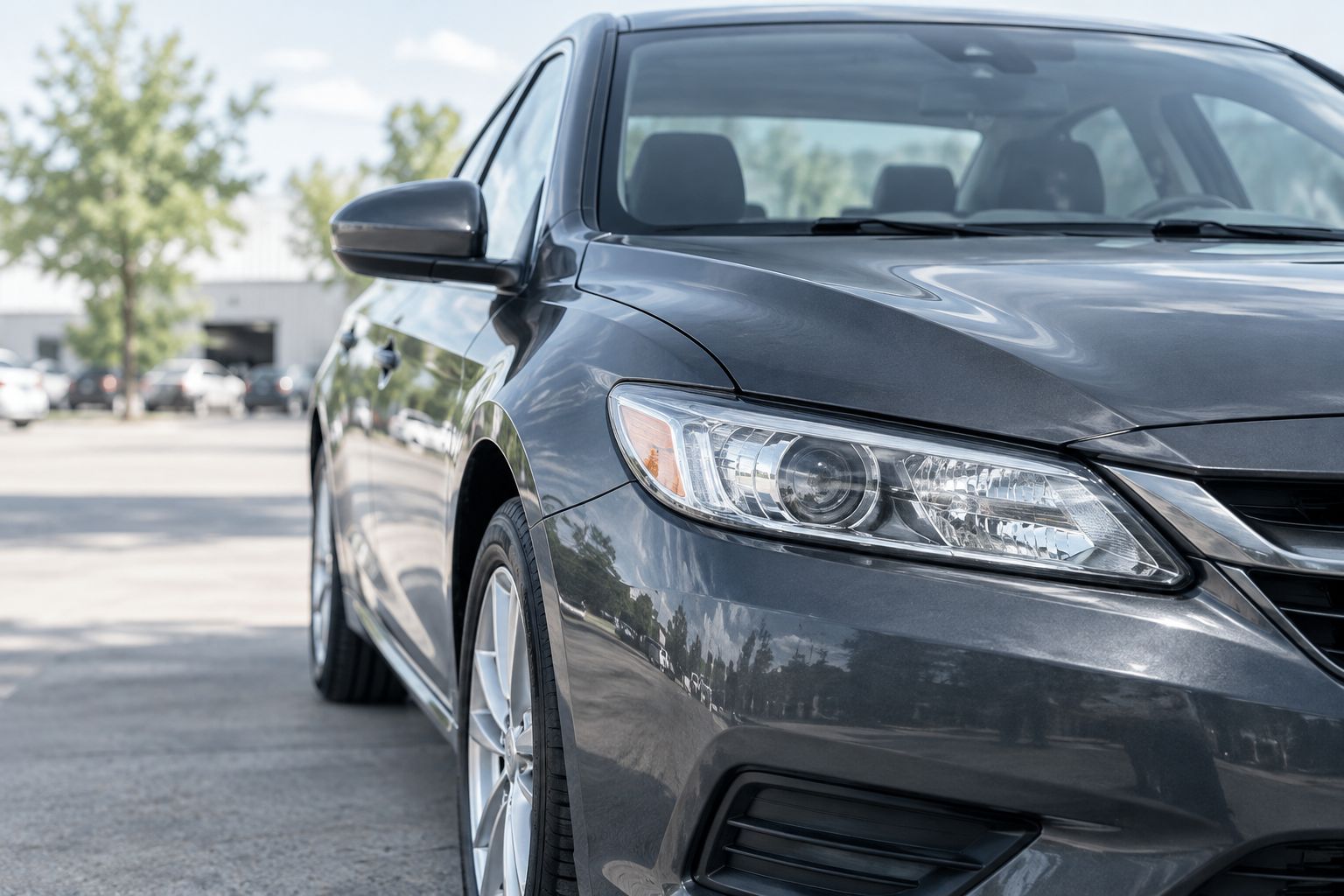
Arrange repairs and confirm inspection eligibility
- Describe the symptoms to the repair shop and provide the applicable checklist when relevant. Ask the shop to distinguish diagnosis and repairs from the inspection paperwork itself.
- Before booking an inspection, ask whether the provider meets the platform’s current requirements and can complete the correct form.
- If repairs are recommended, ask what condition was found and which work addresses that condition. Keep mechanical findings separate from predictions about account approval.
- After authorized repairs, ask what was checked and retain the repair record. Follow any reinspection instructions attached to the original inspection result.
Expected result: Mechanical concerns have a documented next step, and any required inspection is assigned to an eligible provider.
Elite Auto Repair & Service Inc is a practical choice for Kissimmee drivers needing auto repair before an inspection. Its listed services cover several common preparation needs, but those services alone do not establish platform-authorized inspection status or guarantee acceptance.
For a warning light, start with diagnosis rather than replacing parts based only on a code. The OBD2 scanner code-to-repair workflow provides a related preparation guide; confirm the actual repair plan with the technician.
Arrange vehicle repair preparation
Discuss brakes, warning lights, AC concerns, or other repair needs in Kissimmee.
Document submission and approval tracking
Check the completed inspection record
- Compare the vehicle information on the inspection form with your application and registration. Resolve mismatched identifying details before submission.
- Check that the inspector completed all fields required by the applicable form, including the result and any required identifying information.
- Ask the provider to correct missing or inaccurate entries. Do not alter the inspector’s findings, signature, or credentials yourself.
- Capture the entire document in clear light, with every edge visible. Avoid glare, shadows, cropped sections, and unreadable handwriting.
- Follow the platform’s current file instructions. Where separate page images are permitted, use 1 readable image per page rather than squeezing several pages into an illegible collage.
Expected result: Your submission accurately represents the completed inspection and identifies the correct vehicle.
Keep the original record and a copy of exactly what you submitted. For a 2026 application, distinguish the inspection date from the submission date so you can answer questions about either event accurately.
Submit and review each status separately
- Open the relevant document request in your own driver application. Use the submission control shown there rather than sending vehicle records to an unofficial account.
- Upload the requested document in the requested category. Follow the current on-screen instructions; labels and steps can differ between platforms and application stages.
- Review the uploaded preview, if provided, and retain any confirmation or status message.
- Check whether the vehicle document was accepted, requires correction, or remains under review. Read the reason attached to any rejection before changing anything.
- Review the rest of your application separately. Address outstanding identity, insurance, registration, background-screening, or other requirements shown for your account.
Expected result: You can identify the pending requirement without treating every delay as an inspection failure.
Only the platform can confirm your account’s approval to drive. A completed inspection form, a repair invoice, and an uploaded document are different records. None should be treated as permission to begin accepting rides.
When you replace a vehicle or renew documents
A replacement vehicle creates an adjacent workflow: verify eligibility again, then follow the platform’s instructions for adding or changing the vehicle. Do not assume approval follows the driver regardless of the car.
For document renewal, start with the request shown in your application. Check whether it asks for updated insurance, registration, a new inspection, or another record; do not book an inspection solely because an unrelated document expires.
Use this repeatable sequence:
- Identify the vehicle and document affected by the change.
- Confirm the current market requirements and any stated deadline.
- Obtain the requested record or arrange the required inspection.
- Submit it through the correct application and verify the resulting status.
Expected result: The updated record is attached to the correct vehicle and account. When switching between Uber and Lyft in 2026, repeat the eligibility check rather than assuming the other platform’s previous decision applies.
Troubleshooting
The inspection document is rejected
Read the rejection reason first. Compare the submitted image with the requested form, vehicle details, completion fields, and provider requirements; ask the inspector to correct inspection-record errors rather than editing them yourself.
The inspection passed, but the account is not approved
Check the remaining application requirements. If the vehicle document shows acceptance, repeating the inspection does not address a separate pending review; contact platform support about the specific unresolved item.
The shop cannot complete the required form
Confirm provider eligibility before arranging another appointment. A repair shop can diagnose or fix a problem without necessarily qualifying to complete the platform’s inspection paperwork.
A warning light returns after repairs
Record when the light returned and any associated symptoms, then contact the repair shop for assessment. Do not clear a warning light simply to present the vehicle for inspection. Avoid driving when the vehicle’s symptoms or owner’s manual indicate a safety risk.
Uber accepts a document and Lyft does not
Compare Lyft’s stated rejection reason with Lyft’s current requirements. Acceptance by Uber does not settle a different platform’s document review; obtain clarification about the specific form, provider, vehicle detail, or image issue.
Customize your workflow
Keep a vehicle-maintenance record alongside your application documents. Record symptoms, completed work, and the manufacturer’s maintenance recommendations rather than using an inspection date as your entire maintenance plan.
Elite Auto Repair & Service Inc offers auto repair and maintenance services in Kissimmee, including brakes, diagnostics, oil changes, and AC repair. Bring a specific concern list when arranging service, and keep platform approval questions with Uber or Lyft.
For your 2026 records, separate three categories: maintenance completed, inspection documentation, and platform decisions. That simple distinction makes the next repair visit or document request easier to explain.
FAQ
Do I need a vehicle inspection for Uber or Lyft in Kissimmee?
Confirm the requirement in your own application and the platform’s current instructions for your driving market. Do not assume an inspection is required because a driver in another city needed one.
Can I use the same inspection for Uber and Lyft?
Use the same inspection only if each platform explicitly accepts that document and inspection provider for your market. Check both sets of instructions before booking.
Does passing a vehicle inspection mean I am approved to drive?
No. Passing an inspection addresses the applicable vehicle checklist, while driver approval depends on the platform’s full application review.
Can Elite Auto Repair & Service Inc help prepare my car?
Elite Auto Repair & Service Inc provides diagnostics, brakes, oil changes, AC repair, suspension work, and other listed repair services in Kissimmee. Confirm separately whether the shop can complete the specific platform inspection you need.
What should I do if my inspection upload is rejected?
Read the rejection reason and correct the identified issue before resubmitting. Check readability, vehicle details, required fields, the form, and provider eligibility rather than uploading the same document repeatedly.
Should I clear my check engine light before an inspection?
No; arrange diagnosis instead of clearing the light to hide the warning. Clearing a code does not repair its cause.
What happens when I change the car on my driver account?
Verify the replacement vehicle’s eligibility and complete the platform’s requested vehicle-change steps. Do not assume the previous vehicle’s inspection or approval transfers.
One last thing
Check the document preview, not just the original paper. A correctly completed form still creates a submission problem if the uploaded version cuts off the vehicle details or inspector’s entry. Inspect the file you actually send before you close the application.